Mobiles, tablets, laptops and anything that will run Spotify need an external speaker to produce sound that you can dance to. The better the speaker the better the experience. Connection can be done with the a 3.5 mm jack plug in the earphone socket of a mobile, a laptop or even a desktop. If your device has bluetooth this can also be used to connect to anything that has bluetooth.
Using the earphone socket
The earphone socket can be be connected to a hifi, a radio with an input socket or the sound bar under your tv.
A cable with a 3.5 mm jackplug will fit the Spotify device but the socket on the other end may differ. Search on line for '3.5mm to RCA' for a cable or an adaptor. 1/4" jack adaptors are also a possibility.
Speakers can be a Hi Fi system, a radio with an aux input, the sound bar under you tv or computer audio speakers.
There is a difference in the sound levels between what is output from a phone, about 0.3v, and input levels on professional audio, 1.2v a factor of 4. So you may need to turn your phone up to max output and also increase the volume on the speaker. This will work but switching back to radio or CD will be very loud until the volume is dropped again.
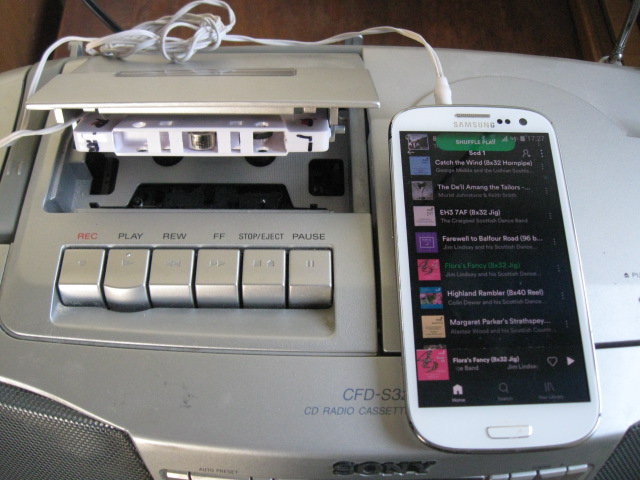
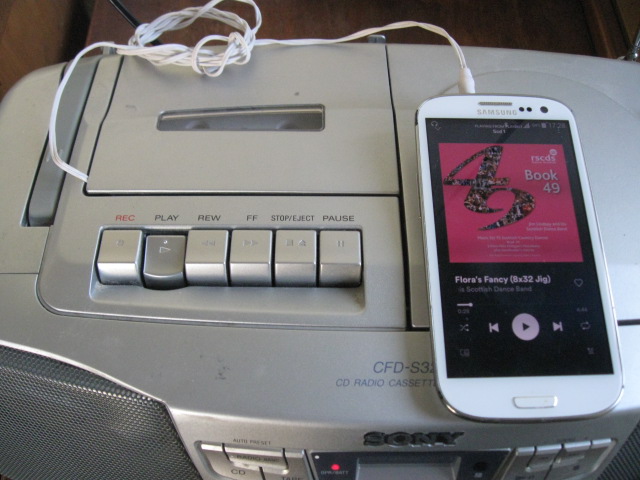
It can also connect to a cassette player with a 'car cassette coupler'. These are available cheaply from ebay and other sources. The play button has to be pressed to make it work. If you don't get any sound try the cassette the other way up.

Using Bluetooth
Bluetooth can connect to a bluetooth or smart speaker, and perhaps also your tv. Mobile phones always have bluetooth, tablets often, desktops don't.
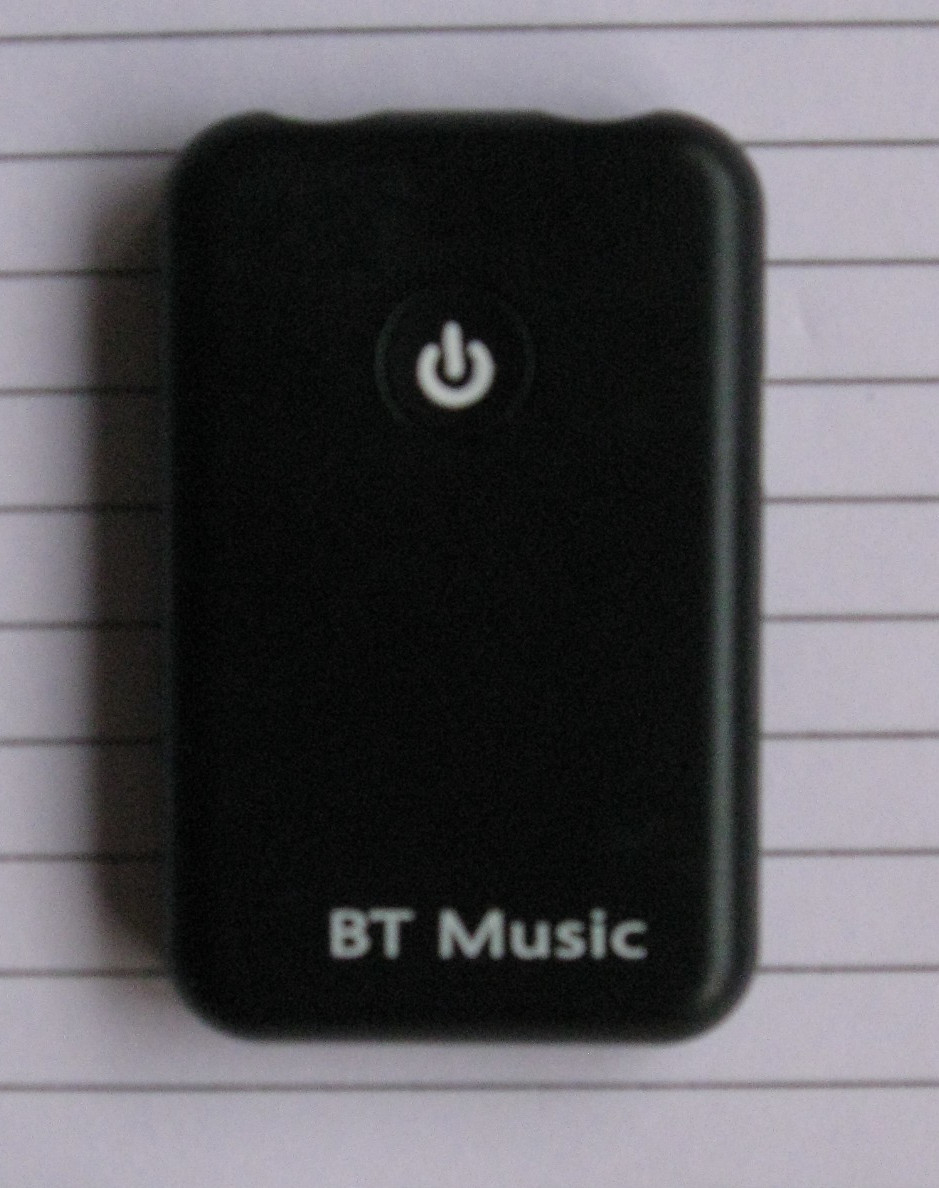
If you have a Hi Fi that you would like connect by bluetooth from your phone you can buy a blue tooth receiver / transmitter cheaply from ebay or elsewhere.
There are two 3.5mm sockets at the top of this one. The Rx is the one you would connect to your Hi Fi to receive the music from your phone. The Tx is the one you would connect to your desktop to send the music to your bluetooth or smart speaker. Press the button to pair (connect).
I use a bluetooth speaker which has very good sound with plenty of bass. Our kitchen radio had stopped playing CDs and the sound never had much bass so was not much good for dancing. At Christmas I decided to replace it and chose a bluetooth speaker, feeding radio stations from a small tablet that sits in our kitchen. If you have an old mobile this might be a use for it. This allows me to timeshift BBC programs on their Sounds app. Having bought Bose products before I chose their SoundLink Mini. It is small which made me wonder if the bass would be adequate, usually you need a big enclosure for this. It was returnable within 14 days (the Online Selling regs) so I went ahead. I found a much lower price than the official Bose site by searching around. Bose also makes various other personal speakers but I have no experience of those.
The bass was very good and it more than loud enough for a house. I was amazed at how good the bass was. It took me a while before I realised how* they did it.
It needs a mobile phone type charger as it is battery operated. You don't have to use it where you charge it. A longer usb charging cable than the one they supply might be useful. Note that the speaker has a type C connector and won't connect to the usual micro usb plug. It also has a 3.5mm jack input for direct connection.
*Treble sound, the high notes, is quite directional so you need line of sight or a reflection. Bass sound, the low notes, is not very directional and so it does not matter where it comes from. Rather than having a big bass speaker the heavy internal parts of the speaker sit on a rubber pad underneath and are stationary. The case moves instead. You can feel this if you touch it.